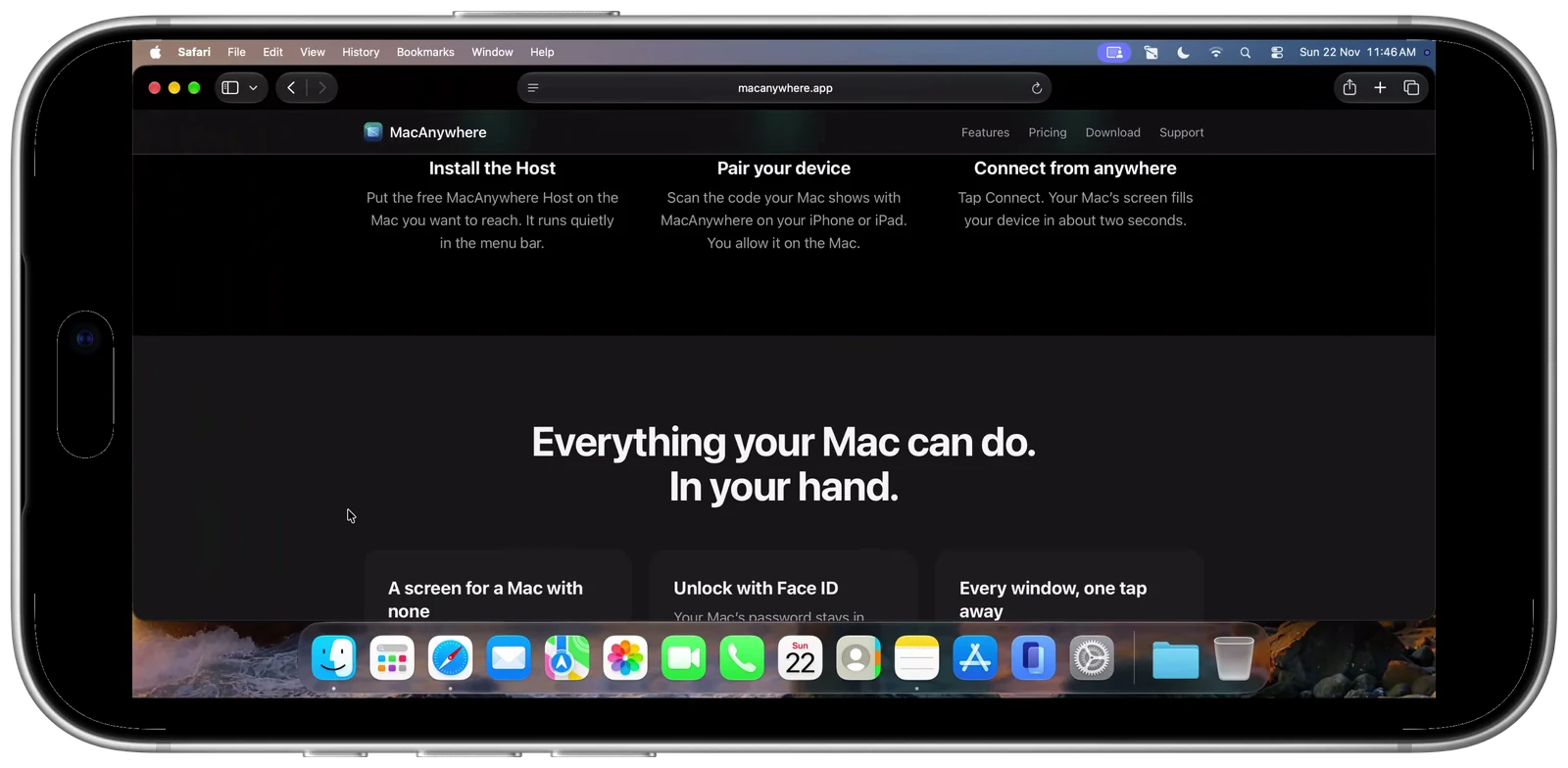
A screen for a Mac with none
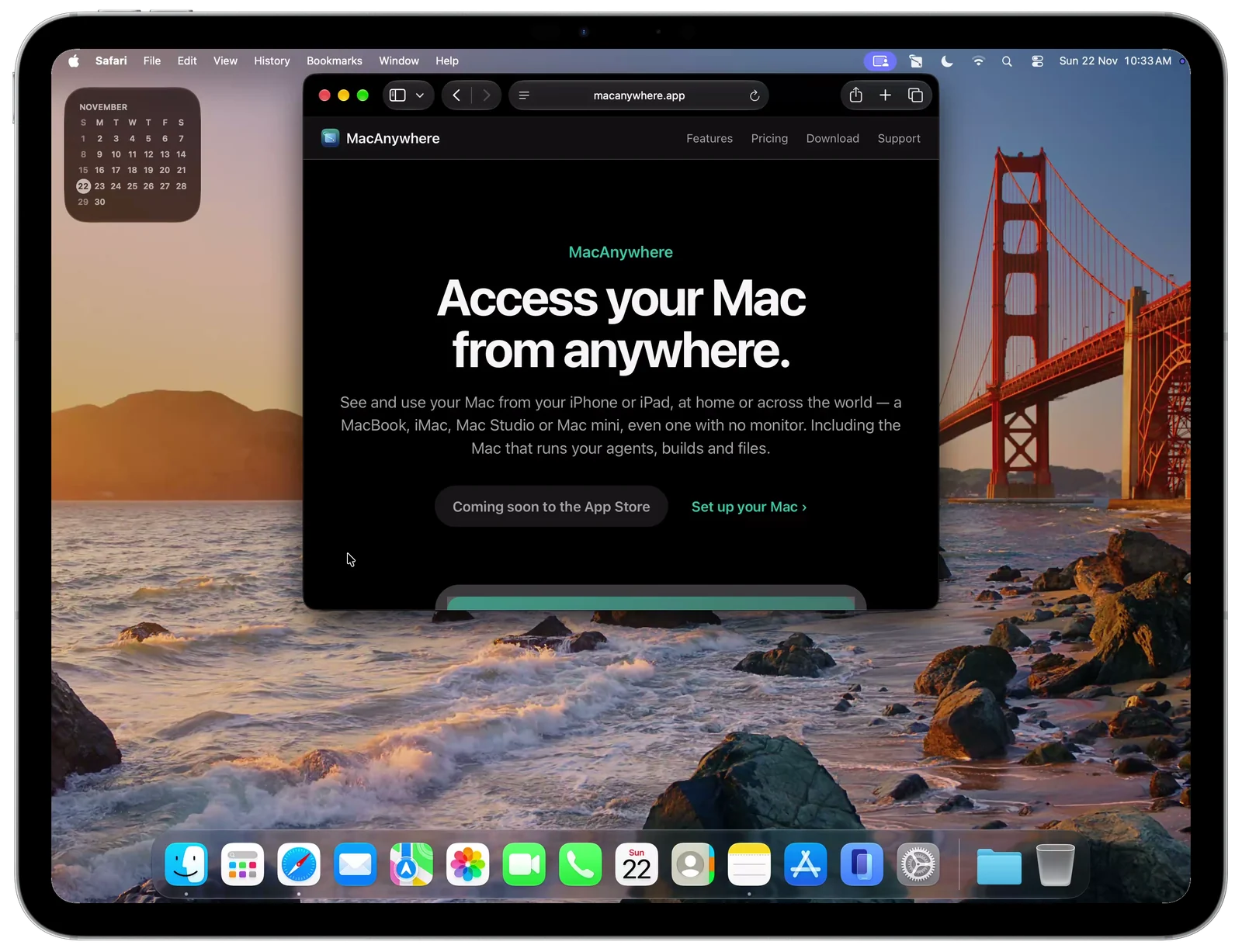
A Mac with no monitor gets a display the exact shape of your iPhone or iPad. No keyboard or dummy plug either.
 MacAnywhere
See and use your Mac from your iPhone or iPad, at home or across the world — even a Mac with no monitor. Including the one that runs your agents, builds and files.
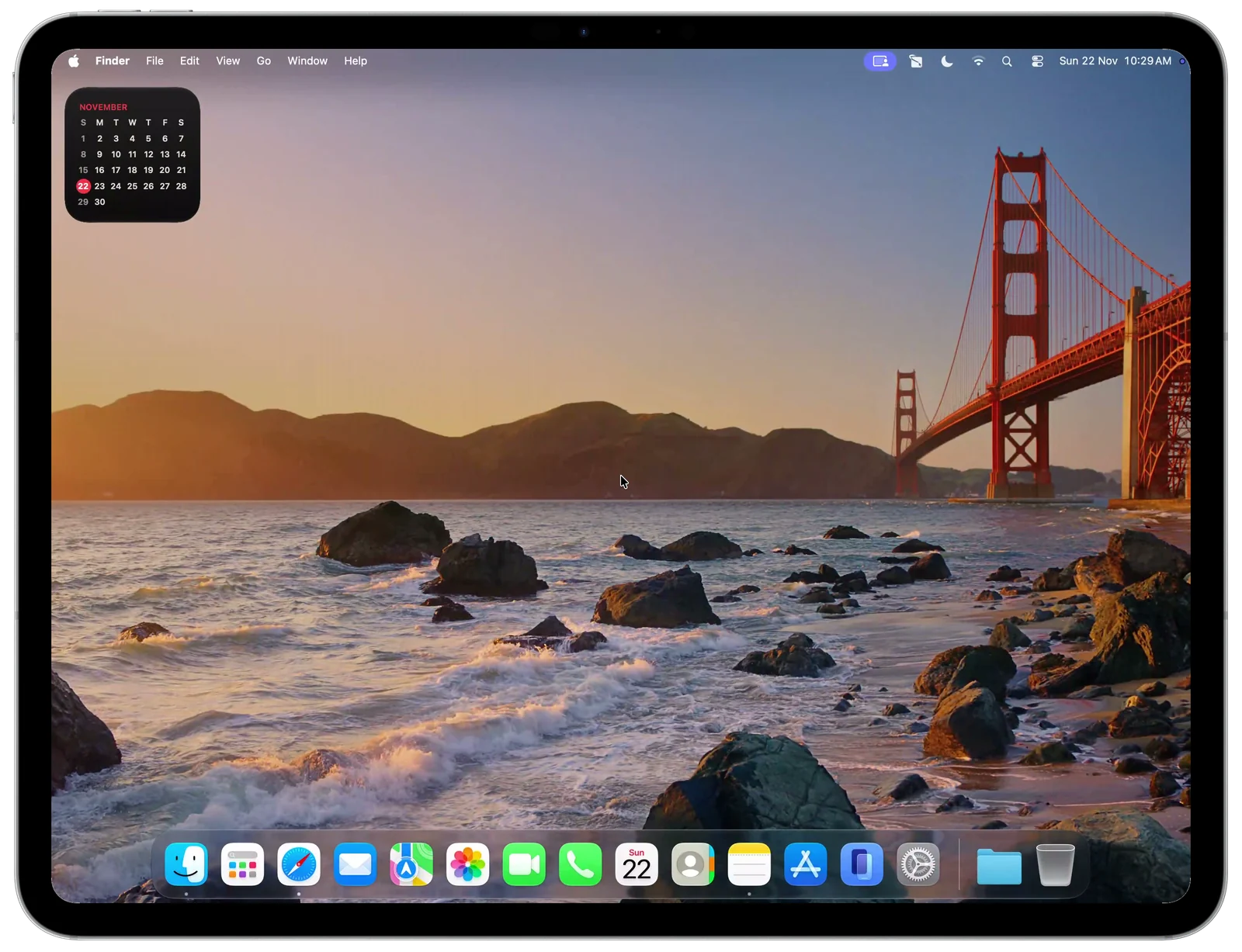

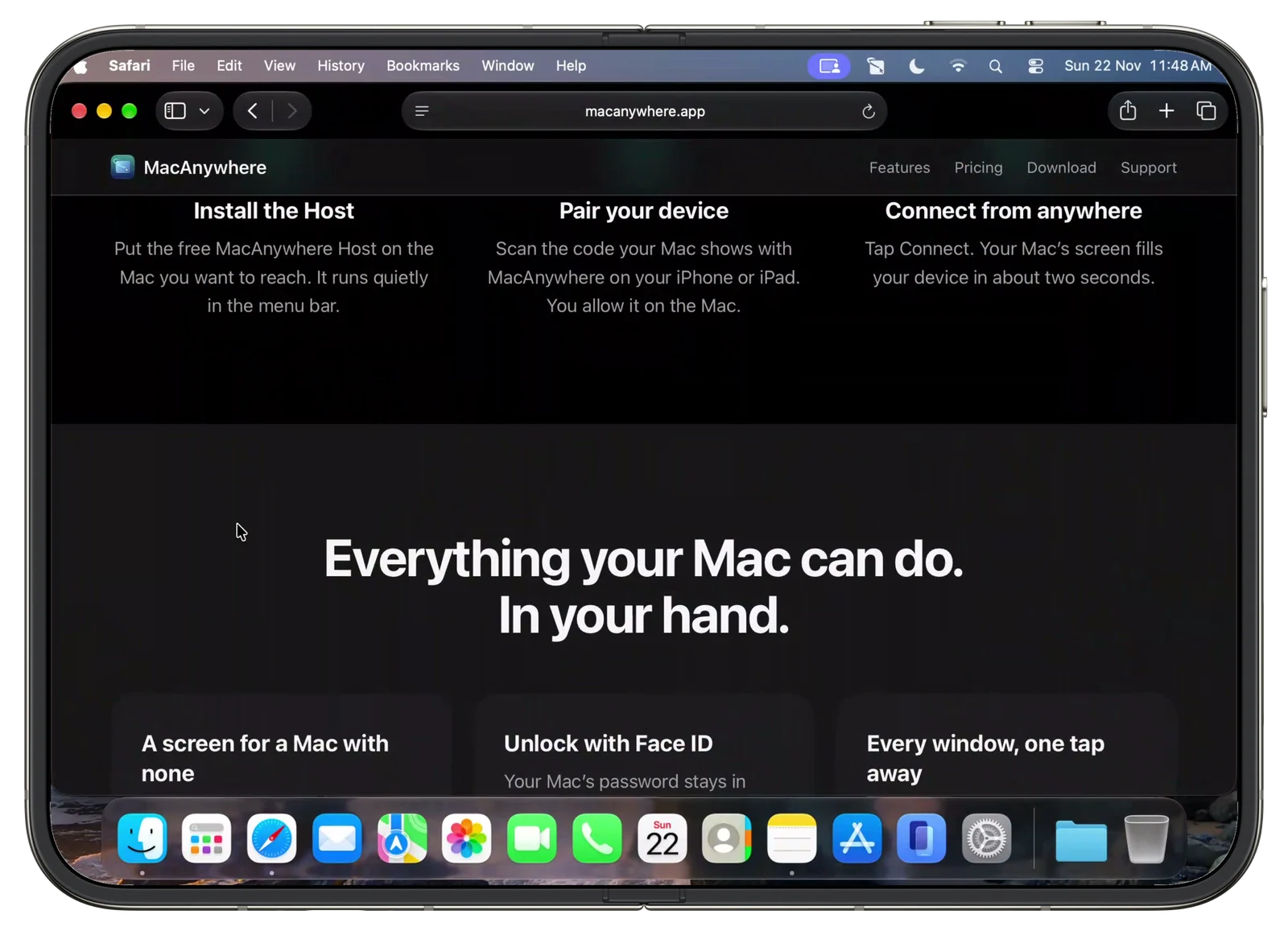
Put the free MacAnywhere Host on the Mac you want to reach. It runs quietly in the menu bar.
Scan the code your Mac shows with MacAnywhere on your iPhone or iPad. You allow it on the Mac.
Tap Connect. Your Mac’s screen fills your device in about two seconds.
In 2026 the Mac mini became the place people run AI agents around the clock, working while their owners sleep. It needs no monitor, no keyboard, no desk. It still needs you now and then: a website login, a permission prompt, a look at what the agent built.
A Mac with no monitor gets a display the exact shape of your iPhone or iPad. No keyboard or dummy plug either.
Your Mac’s password stays in your device’s Keychain and is typed only at its lock screen.
The window you’re using comes straight over. Bring any other from Apps, on any display.
Hear your Mac. Copy text or an image on one side and paste it on the other.
A direct connection whenever one can be made — and an encrypted relay when it can’t.
The moment a session ends, your Mac locks. Anyone sitting at it needs its password.
Ten real jobs, from people doing them today.
Your Mac mini runs agents day and night. See exactly what it did — its apps, its browser, its output — from your phone.
Review the changes and try the running app on your home Mac, from a café or a train.
Some sign-ins need a person: a password, a code, a “Was this you?”. Do it in the Mac’s own browser, then leave the agent working.
An agent waiting on “Allow access?” waits forever. Tap Allow from wherever you are.
When a Mac that logs in by itself restarts after a power cut or an update, it locks its screen. Unlock it from your phone, no screen to plug in.
Photos library, backups, a media server — manage the Mac mini in the cupboard from your iPhone.
No monitor or TV to switch on: the Mac mini shows up on your iPad, shaped to fit it.
Only a Mac runs Messages. When the Mac that relays it needs a hand, it’s a tap away.
Your own, the agent’s, the one at the office: every Mac in one list, one tap each.
An export, a render or a big upload: check on it and hear the Mac from another room or another city.
Everything between your device and your Mac is encrypted end to end. Our servers only help the two find each other — they can’t see your screen, hear your sound or read your clipboard.
Your first plan starts with a 7-day free trial.
$2.99/month
or $29.99 a year
$7.99/month
or $79.99 a year
$19.99/month
or $199.99 a year
$29.99/month
or $299.99 a year
No. MacAnywhere gives your Mac a display shaped like your device and keeps it awake, so a Mac mini with nothing plugged in but power and network works.
A Mac with macOS 13 or later, Apple silicon or Intel. An iPhone or iPad with iOS or iPadOS 17 or later.
MacAnywhere Host is free. Your plan is bought in the iPhone and iPad app, through the App Store.
Plans are App Store subscriptions: cancel any time in your device’s Settings, under your name, then Subscriptions. Refunds go through Apple.
Write to support@kishiva.com.